Fasspos Lite / Mobile POS
Your Business.
Powered by
Fasspos Lite.
Your
Business.
Powered by Fasspos Lite.
Your Business.
Powered by Fasspos Lite.
Browse products, complete sales, and accept payments with Fasspos Lite.
* Digital onboarding preview available



Tap & Go Payments

Smart Product Catalog

Real-Time
Sales Tracking

Bundled
with F6
F6 Device
Designed by Soft Space
One connected experience
On your counter. Across your business.
Bring your daily sales and business operations together with Fasspos Lite.
01
Set up your business
Create your company, stores, and staff accounts.
02
Add your products
Organize your catalog, set prices, and stock.
03
Start selling
Browse, scan, and take payment on the POS.
04
Stay in control
Review sales and status on the backoffice.
Their daily sales, simplified
Everything you need to make the sale.
From the first item to the final amount, keep the whole checkout on your F6.
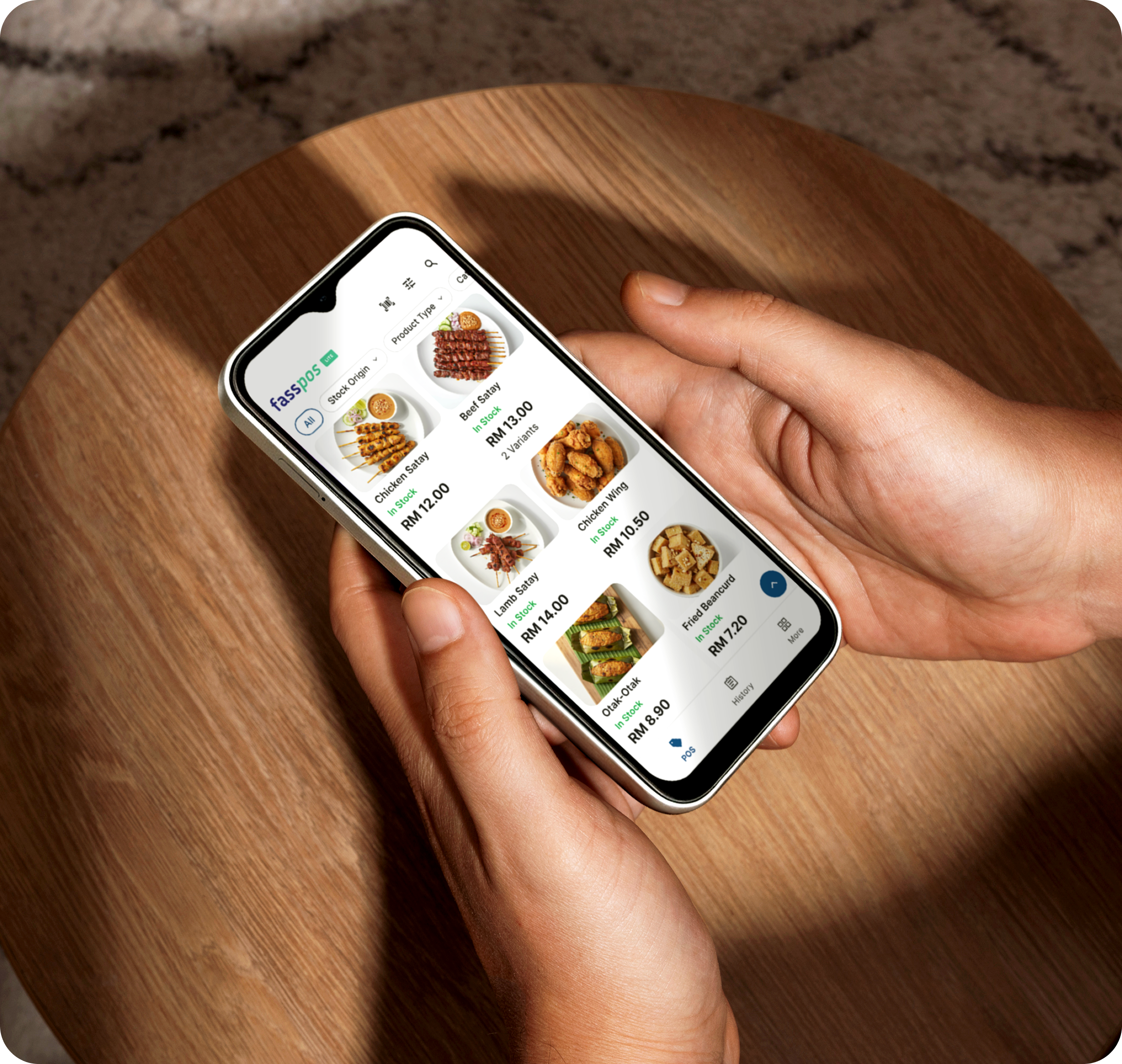
The right product, a tap away.
Browse your catalog, filter by category, or search for a product. Prices and availability are right there when you need them.
 Visual product catalog
Search and category filters
Product details and variants
Visual product catalog
Search and category filters
Product details and variants
Scan it. Add it. Keep moving.
Use the device camera to scan a product barcode and add the item to the basket. Less searching at the counter.
Camera barcode scanning
Add products to the basket
No separate scanner needed
A clear view of every sale.
Review the basket and final amount, add customer details when needed, and continue to your customer's preferred payment method.
Itemized checkout preview
Customer details at checkout
A clear final amount
More ways to pay
Their choice. Your checkout.
Give customers familiar payment options, all within your Fasspos Lite checkout.

Contactless Card
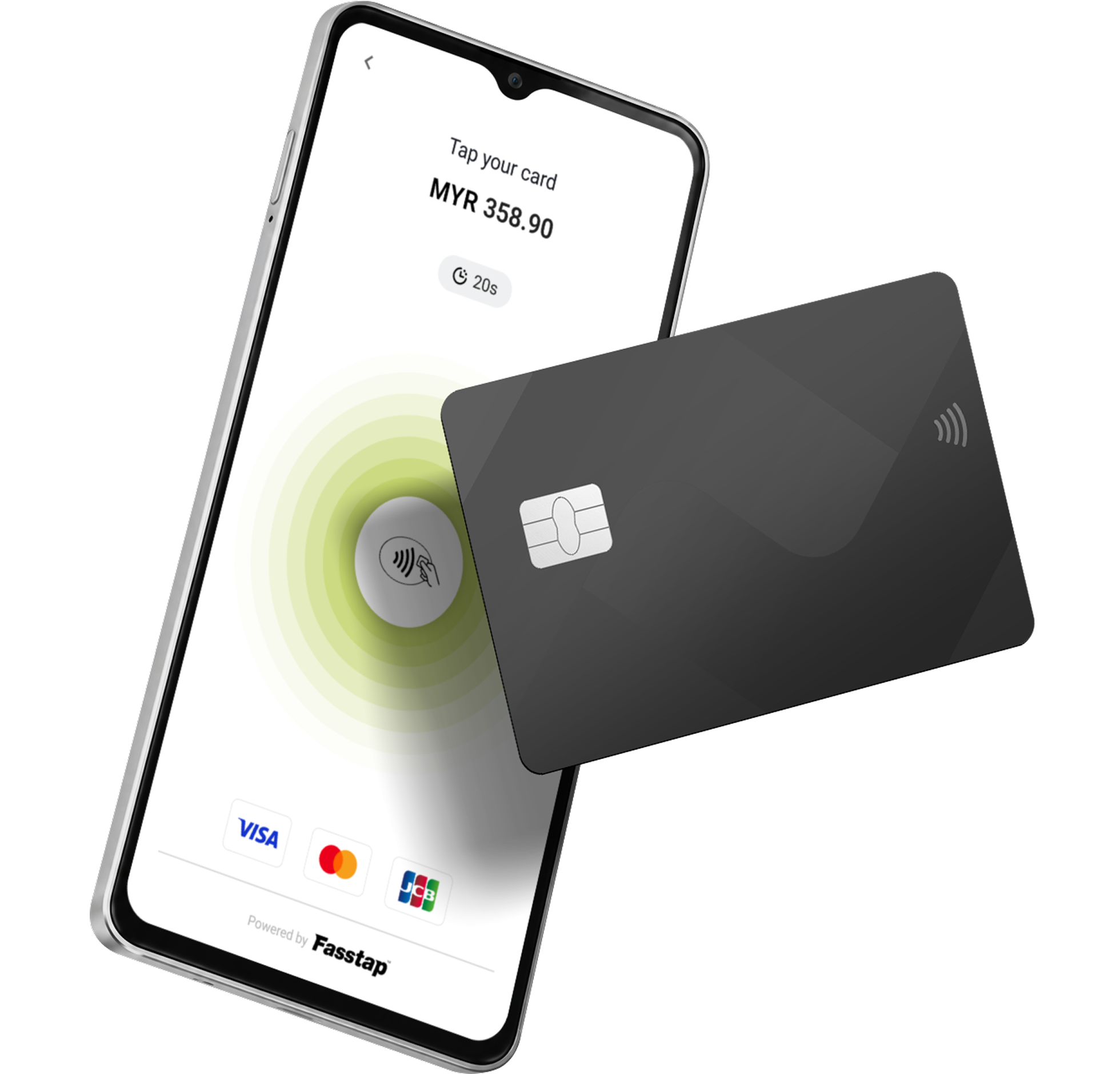
Accept a contactless card with a tap on your F6's front-facing NFC.


QR Payments
Display a payment QR code for your customer to scan and pay.


Cash
Record cash sales and complete checkout, even when connectivity drops.
Beyond the checkout
Digitalize Your Data.
Look up an order, send an email receipt, or review your sales in the backoffice.

Orders & Digital Receipts
Find transaction details and email an itemized receipt.

Sales Reporting
Filter by company, store, and date. Download sales data as CSV.

Additional Capabilities
Manage restocked items, variants, and staff commissions. Sets up business.
Designed by Soft Space
Meet F6.
Built for payments.
Tap on the front of the screen
Customers present their contactless card at the screen-facing tap area, with the payment amount and instructions in view.
Your connected backoffice
A closer view of your business.
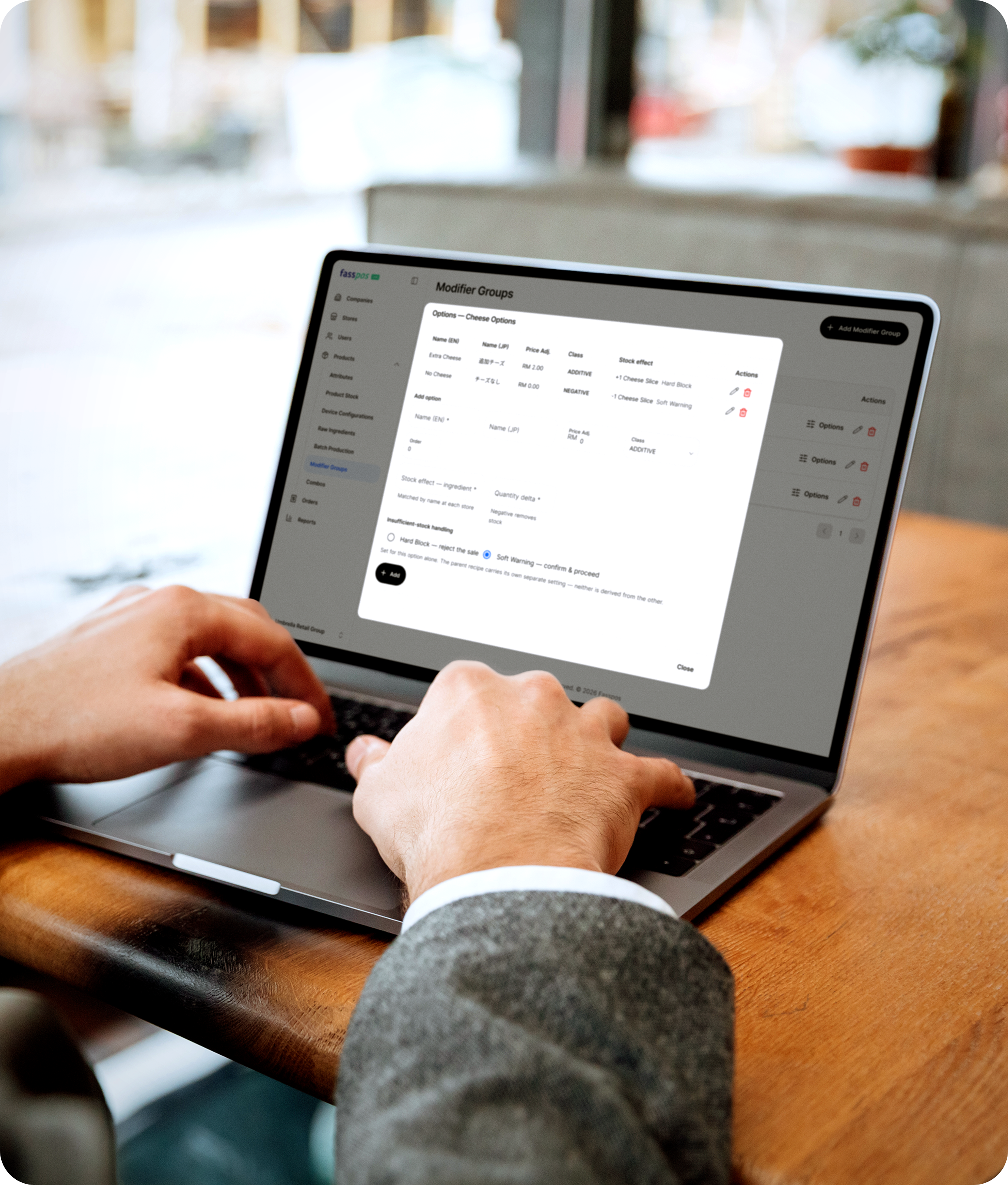
Set things up in the browser. View your inventory, what they need on the floor. Keep your catalog and stores organized as your business grows.
| Product | SKU | Category | Variants | Price | Inventory Type | Status | Actions |
|---|---|---|---|---|---|---|---|
 Chicken Burger House chicken burger |
CB-001 | No Category | 0 | RM 12.90 | Stock Inventory | Active | ⋮ |
 Cheese Fries Loaded fries, no recipe yet |
CF-001 | No Category | 0 | RM 8.90 | Stock Inventory | Active | ⋮ |
 Burger Bun Raw material for recipes |
RM-BUN-001 | No Category | 0 | RM 0.00 | Raw Material | Inactive | ⋮ |
 Chicken Thigh Raw material for recipes |
RM-CTH-001 | No Category | 0 | RM 0.00 | Raw Material | Active | ⋮ |

Products & Stock
Manage SKUs, barcodes, prices, and variants. View stock by store and set store thresholds.

Stores & Configuration
Assign subsidiary to store, configure payment methods, and receipt management.

Staff & Access
Limit staff access to the portal and mobile app, with each device login tied to a store.
Your Fasspos bundle
A complete setup. Ready for your next chapter.
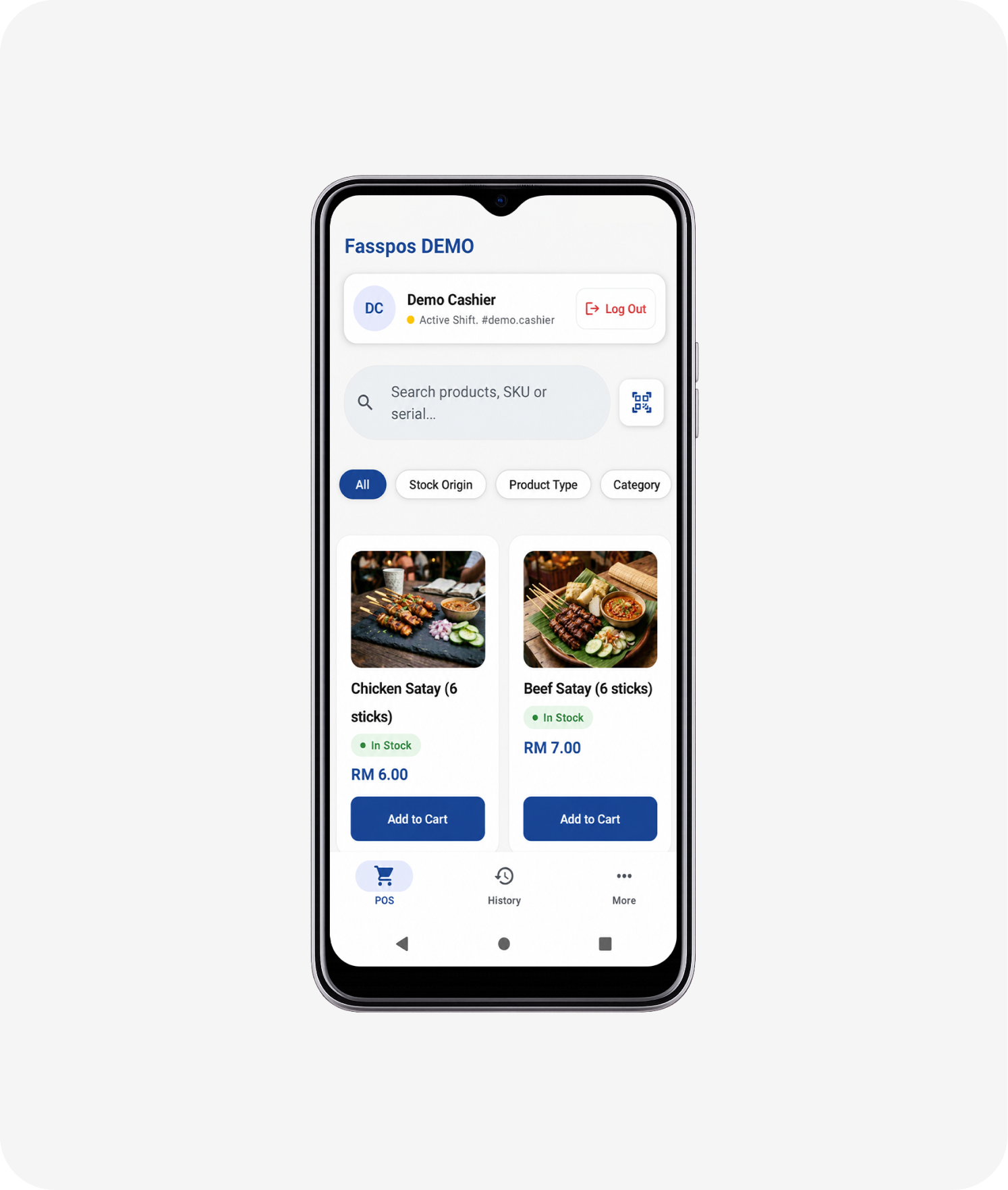
01 The app
Fasspos Lite
Your smartest catalog, checkout, and receipts on mobile.
Included in this bundle

02 The Device
F6 Phone
Designed by Soft Space, with front-facing NFC for contactless payments.
Included in this bundle
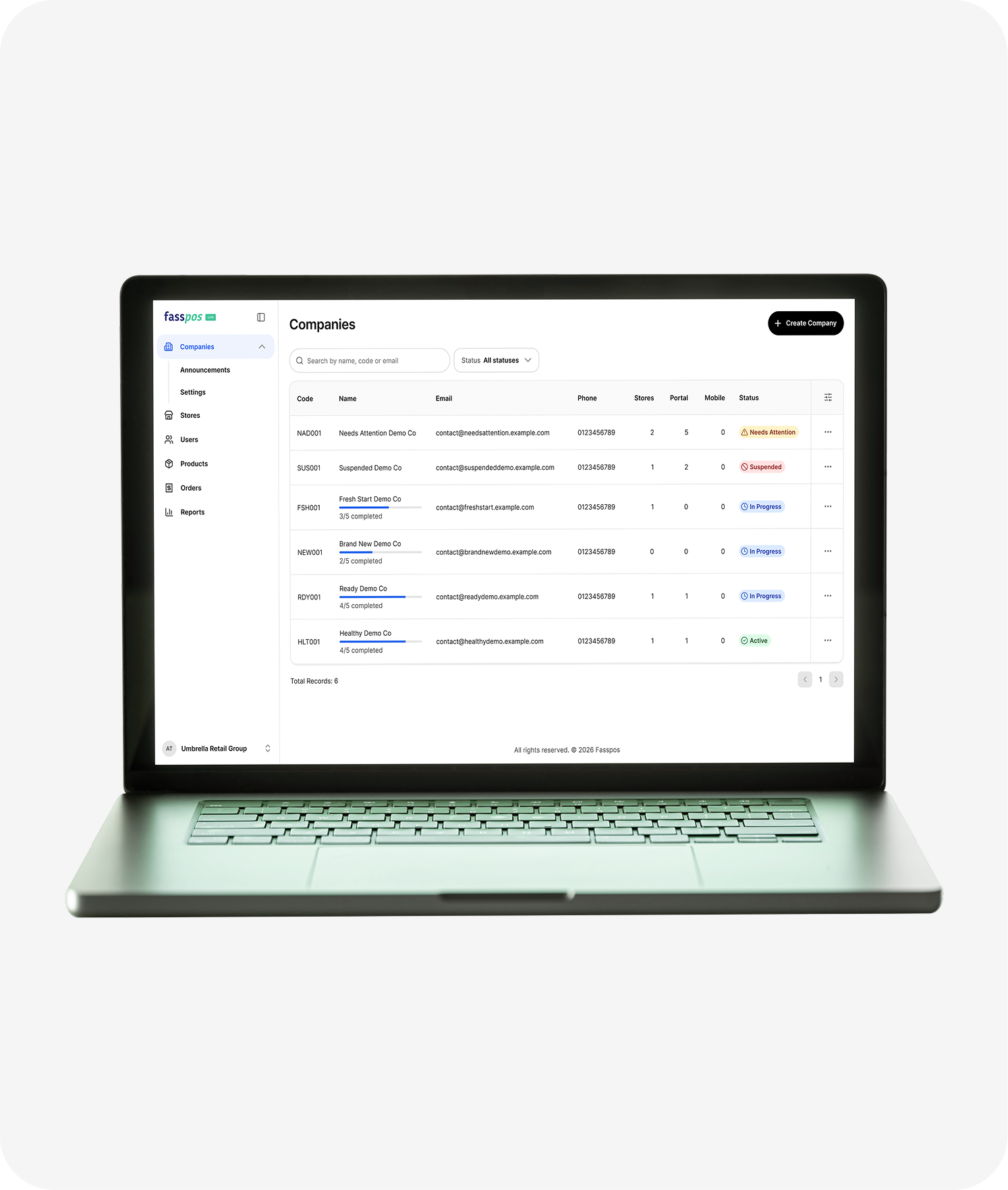
03 The backoffice
Web Backoffice
Manage products and store sales, keep track as your business grows.
Included in this bundle

Contact us

Follow us
